

Flexible Access: Launching the Studio on Web and Desktop
Modeling Without Boundaries
A major drawback of most SysML v2 tools is their rigid deployment model. They are typically locked to a desktop environment, forcing you to use a specific machine to access your models. This lack of portability is a significant bottleneck in today’s collaborative and distributed engineering world.
SysML v2 Studio breaks this mold by offering a dual-access model. Whether you prefer the freedom of a web browser or the integrated power of a desktop application, the experience is identical. By leveraging the Visual Paradigm Cloud, your SysML v2 IDE follows you wherever you go, ensuring that your system architecture is always accessible, synchronized, and ready for review.
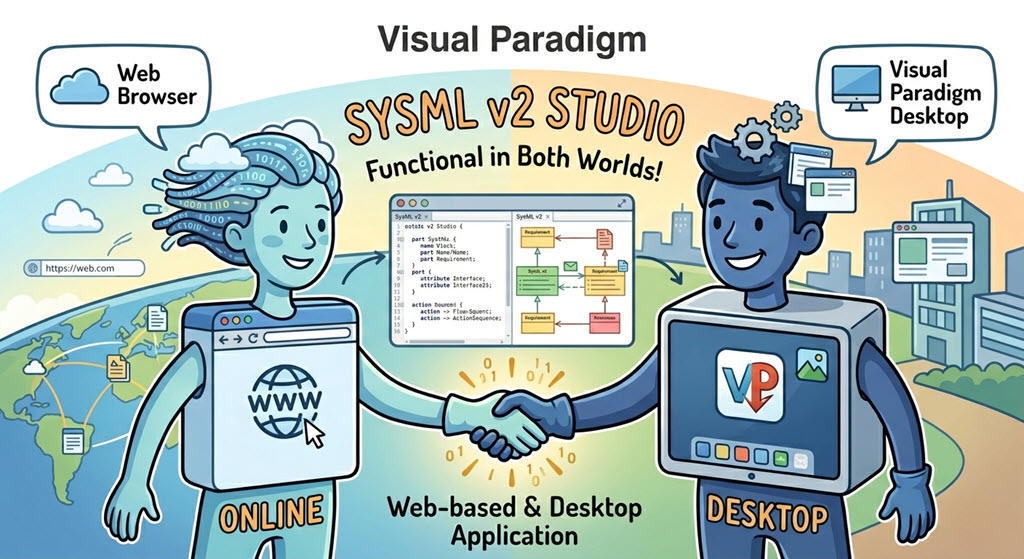
Two Ways to Start Your Modeling Session
You can launch your professional SysML v2 editor in two different ways, depending on your workflow:
1. The Web Browser (Cloud-Native Freedom)
This is the most flexible way to access the studio. There are no installations required—all you need is a modern web browser and your credentials. This is ideal for quick reviews, collaborative sessions, or when you are working away from your primary workstation.
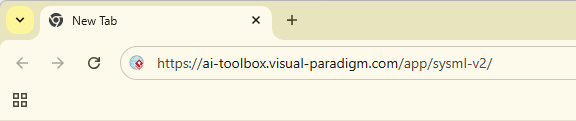
- URL: https://ai-toolbox.visual-paradigm.com/app/sysml-v2/
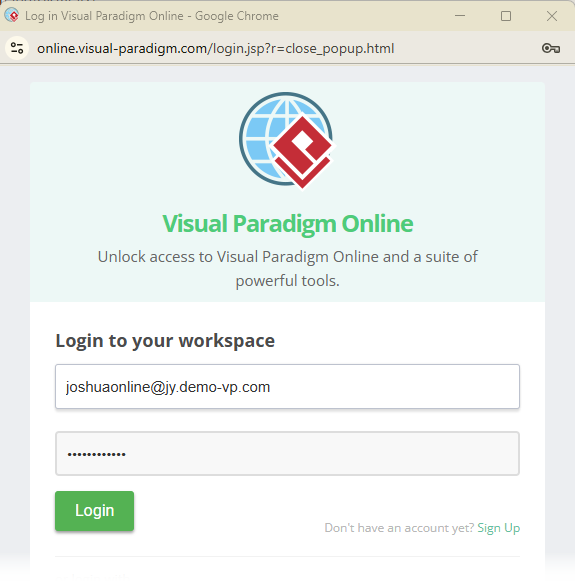
- Authentication: Simply login with your Visual Paradigm Online account to access your cloud-saved projects and the full examples library.
2. The Desktop App (Integrated Power)
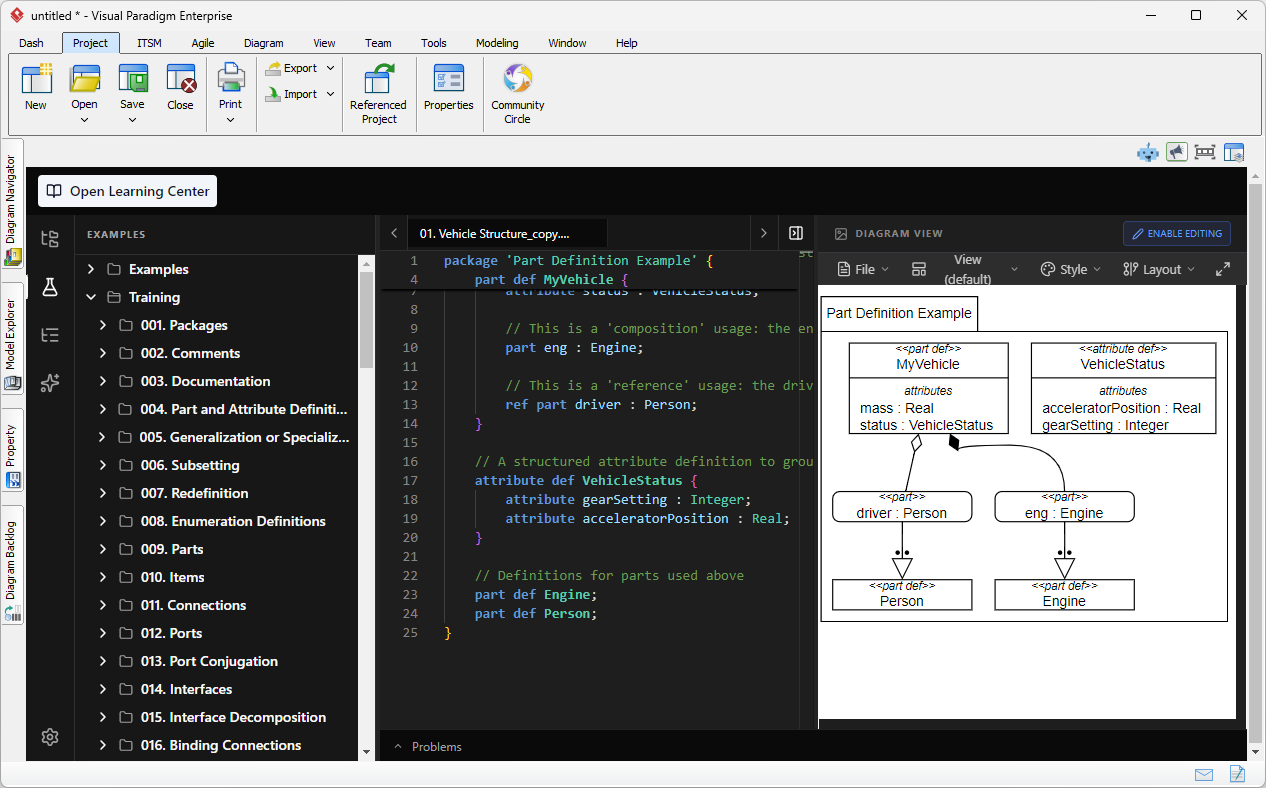
If you already use the Visual Paradigm Desktop modeling software, SysML v2 Studio is available as an embedded component. This allows you to work with SysML v2 within the same environment you use for other modeling tasks.
- How to Launch: In Visual Paradigm Desktop, navigate to the top menu and select Tools > SysML v2 Studio.

- The Experience: The interface is exactly the same as the web version. It runs seamlessly inside the desktop application, providing a unified modeling experience.
- Authentication: You will still need to login to your VP Online account within the desktop interface to synchronize your cloud files.
Regardless of how you launch the SysML v2 tool, your files in the Navigator are synchronized across both platforms. Start a model on your desktop and finish it on your laptop’s browser—the transition is invisible.
Step-by-Step Tutorial: Your First Launch
In this tutorial, you will perform a “round-trip” access check to see the power of our cloud-native architecture.
- Launch via Web: Open your browser and visit the SysML v2 Studio URL.
- Login: Enter your Visual Paradigm Online credentials. Once logged in, you will see your workspace.
- Create a Test File: In the Navigator, click the New File icon (or use the Alt+N shortcut). Name it
PlatformTest.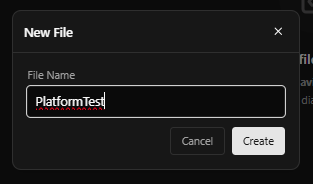
- Write a simple
part def MyPlatform;in the editor.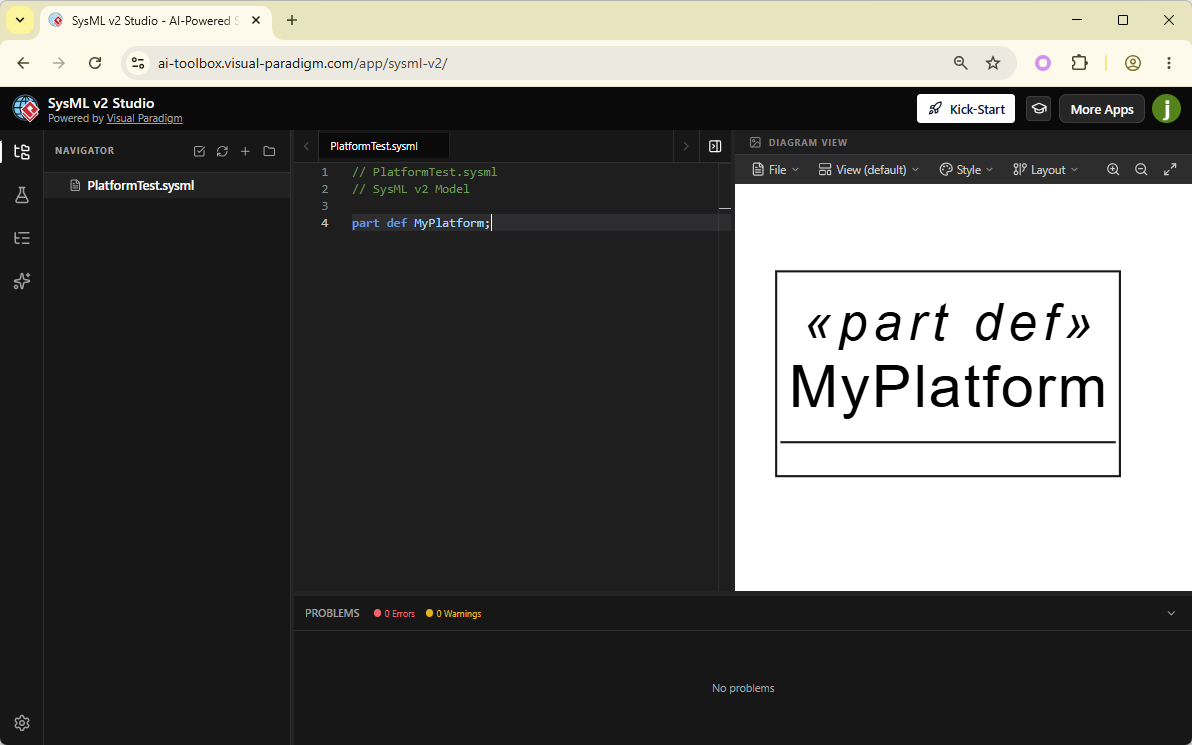
- Switch to Desktop (Optional): If you have the Visual Paradigm Desktop app installed, open it and navigate to Tools > SysML v2 Studio.
- Login on Desktop: Sign in with the same VP Online account.
- Verify Synchronization: Look at the Navigator in the desktop view. You will see the
PlatformTestfile you just created on the web. Open it, and you’ll see your code and diagram ready for editing.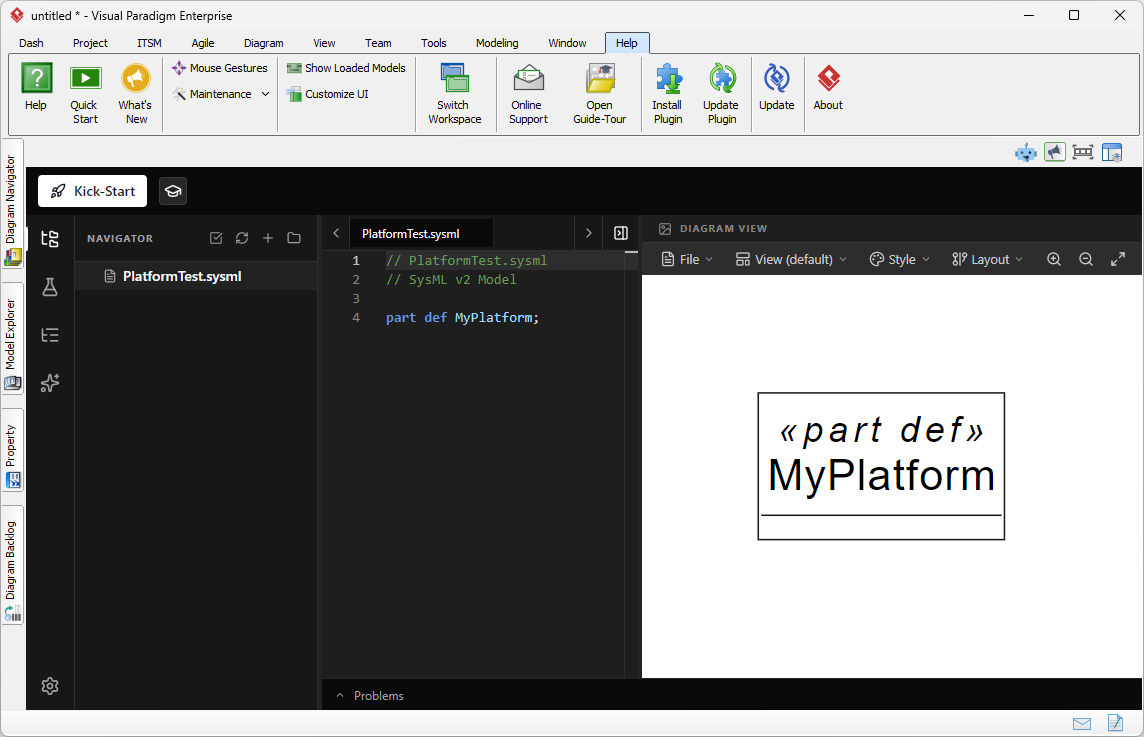
What You’ve Learned
By understanding the dual-access model, you’ve mastered the deployment flexibility of a modern SysML v2 IDE. You now know:
- How to access the studio instantly via a web browser for on-the-go modeling.
- How to launch the studio from within Visual Paradigm Desktop via the Tools menu.
- The importance of the VP Online account in keeping your models synchronized across all platforms.
With the studio open and ready, it’s time to dive into the user interface. In the next chapter, we will take a detailed tour of the workspace.
